How to automatically qualify leads on WhatsApp
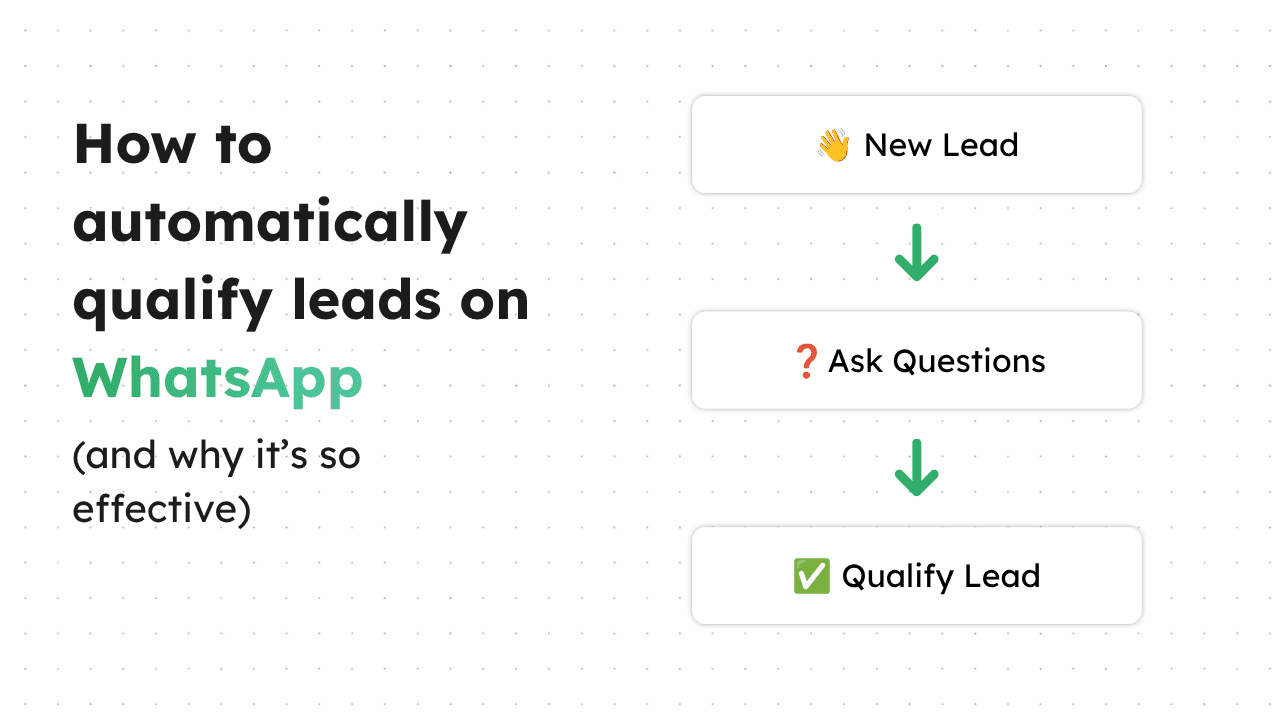
How to automatically qualify leads on WhatsApp: ask the right questions, capture answers, and route hot leads to your team without the manual back-and-forth.
The short answer: you automatically qualify leads on WhatsApp by building a structured workflow that greets each enquiry, asks the questions that separate a serious buyer from a browser, captures the answers, and routes qualified leads to the right person while handling the rest on its own. This needs the WhatsApp Business API rather than the free app, because the free app can't ask a question and act on the answer.
What "qualifying a lead" actually means
Qualifying is simply deciding whether an enquiry is worth your team's time, and getting the information you'd need to act on it. For most small businesses the qualifying questions are obvious once you write them down: what the customer wants, when they want it, roughly what budget or which service, and how to reach them. Done manually, this is a slow back-and-forth over hours or days, and every gap between messages is a chance for the lead to cool off or go elsewhere. Done automatically, it happens in the first minute, while the customer is still engaged.
Step one: map your qualifying questions
Before automating anything, write down the three-to-five questions you always end up asking a new enquiry. A children's activity provider might ask the child's age, which days suit, and which venue. A training provider might ask which course, whether the learner is funded, and their availability. The point is that these questions are consistent — you ask them of nearly every enquiry — which is exactly what makes them automatable. If you find yourself asking the same handful of things every time, that's your qualifying flow.
Step two: build the flow
With the questions mapped, the workflow follows naturally. A new WhatsApp enquiry triggers a greeting and the first question. The customer's answer determines the next step — a workflow can branch, so an answer of "under-5s" leads somewhere different from "adult classes." Each answer is captured against the contact, so nothing has to be re-asked. At the end, the workflow has a structured profile of the lead rather than a loose thread of messages, and it can decide what happens next based on the answers given.
Step three: route and follow up
Qualification is only useful if it leads somewhere. A good flow routes based on the answers: a hot, ready-to-buy lead goes straight to a person (or books directly), while a not-yet-ready one enters a follow-up sequence rather than being dropped. If a customer abandons the conversation halfway, the workflow can send a follow-up rather than losing them silently — the single most common place manual lead handling leaks revenue. The result is that your team spends its time on leads that are already qualified and ready, instead of typing the same opening questions dozens of times a week.
Why this needs more than the free app
The free WhatsApp Business app can send a greeting, but it can't ask a question, read the answer, branch on it, store it, or follow up — everything that makes qualification "automatic." That requires the WhatsApp Business API and a platform that runs structured workflows on top of it. This is precisely what CLIO (cliochat.io) is built to do: deterministic qualifying workflows across WhatsApp, Instagram, and Facebook that ask, capture, route, and follow up automatically, so enquiries arrive to your team already qualified rather than as raw messages someone has to work through by hand.