Getting Started with CLIO
A guide to logging in and navigating the platform
What is CLIO?
CLIO is a multi-channel messaging platform that lets your team manage customer conversations across WhatsApp, Facebook Messenger, and Instagram from a single inbox. You can automate outreach with workflows, send bulk broadcasts, track contacts, and monitor performance - all in one place.
Logging In
Open your browser
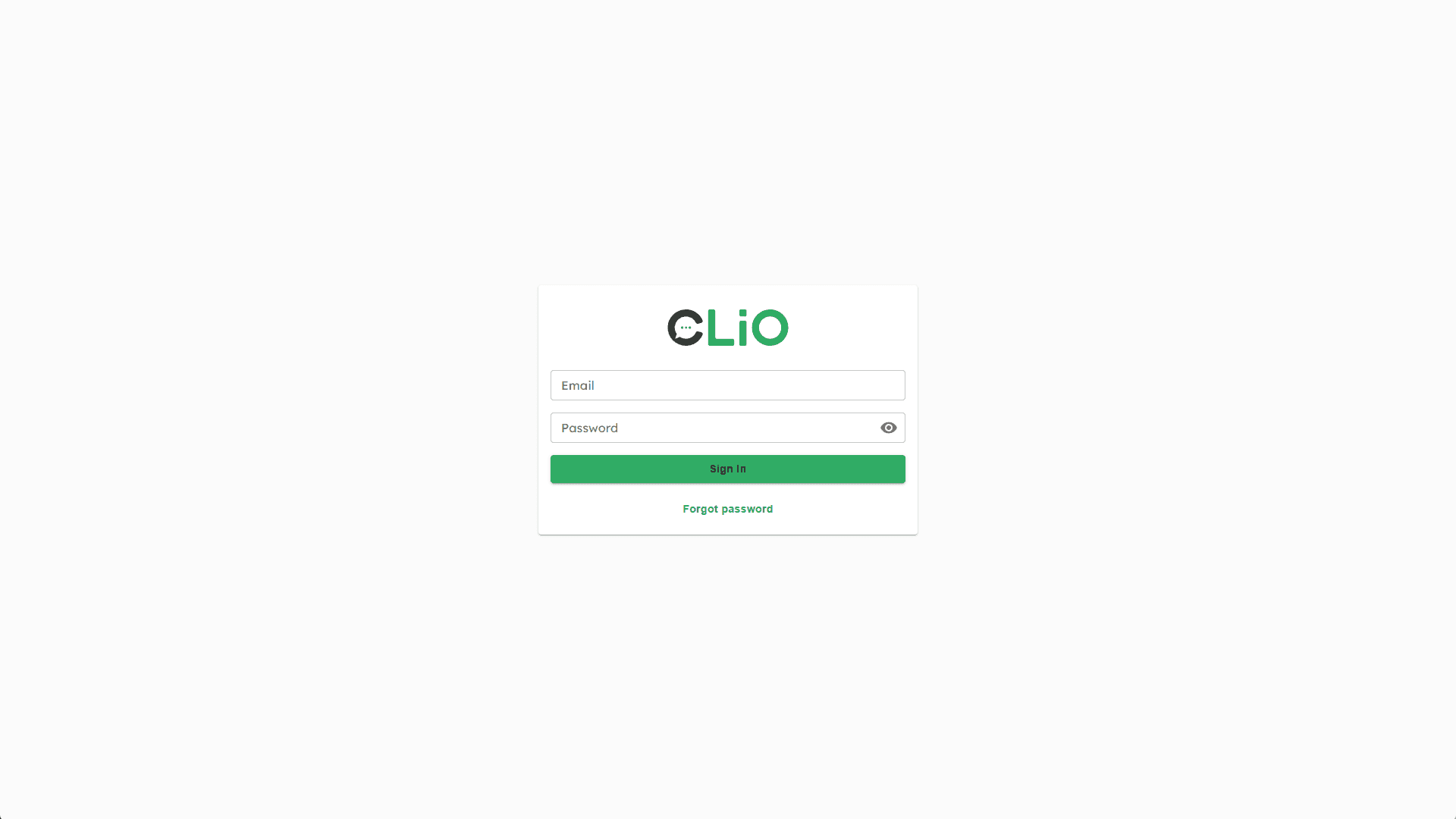
Navigate to app.cliochat.io
Enter your credentials
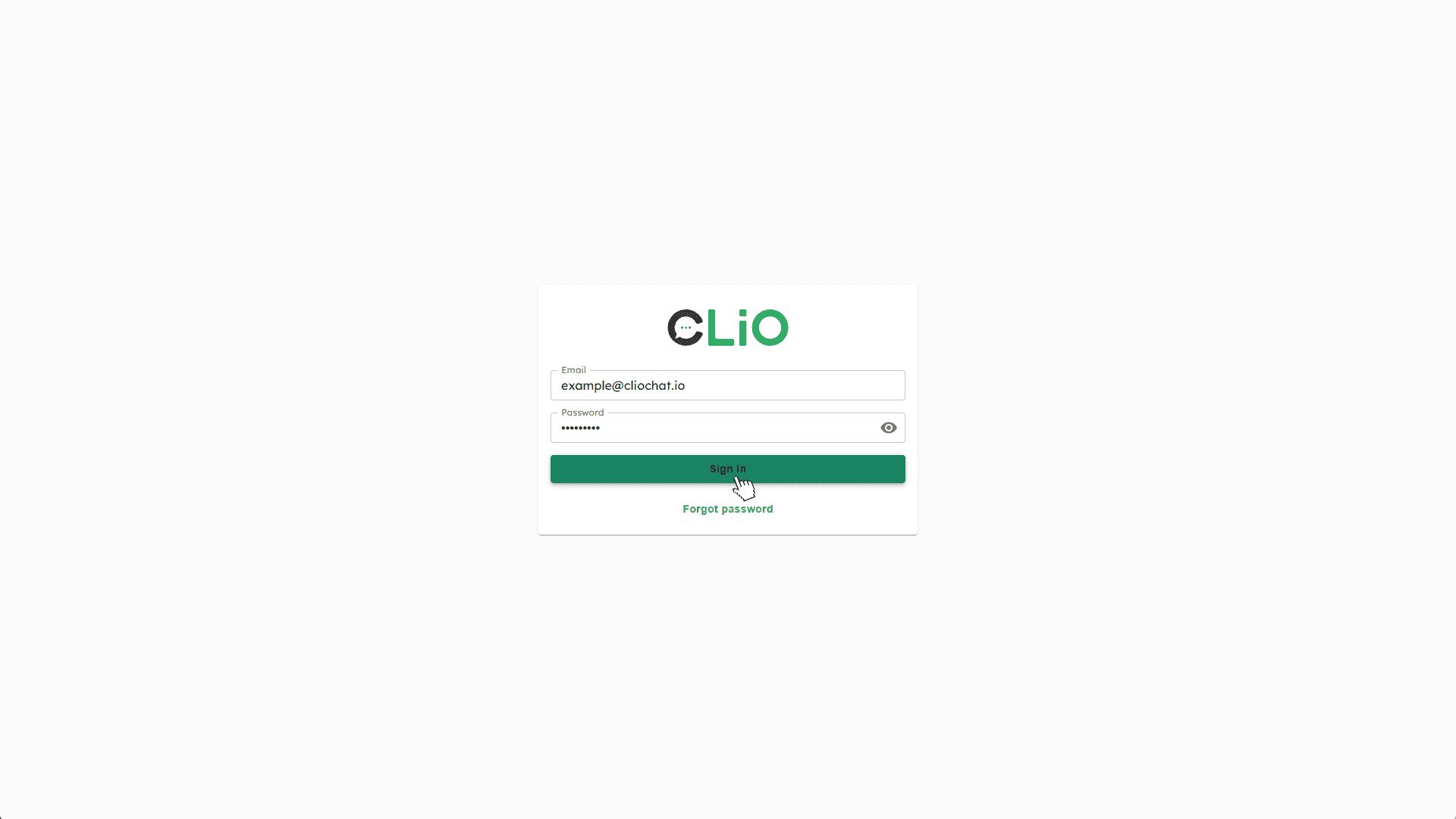
Type your email address and password, then click "Sign in"
Expanding and Collapsing the Sidebar
Expand
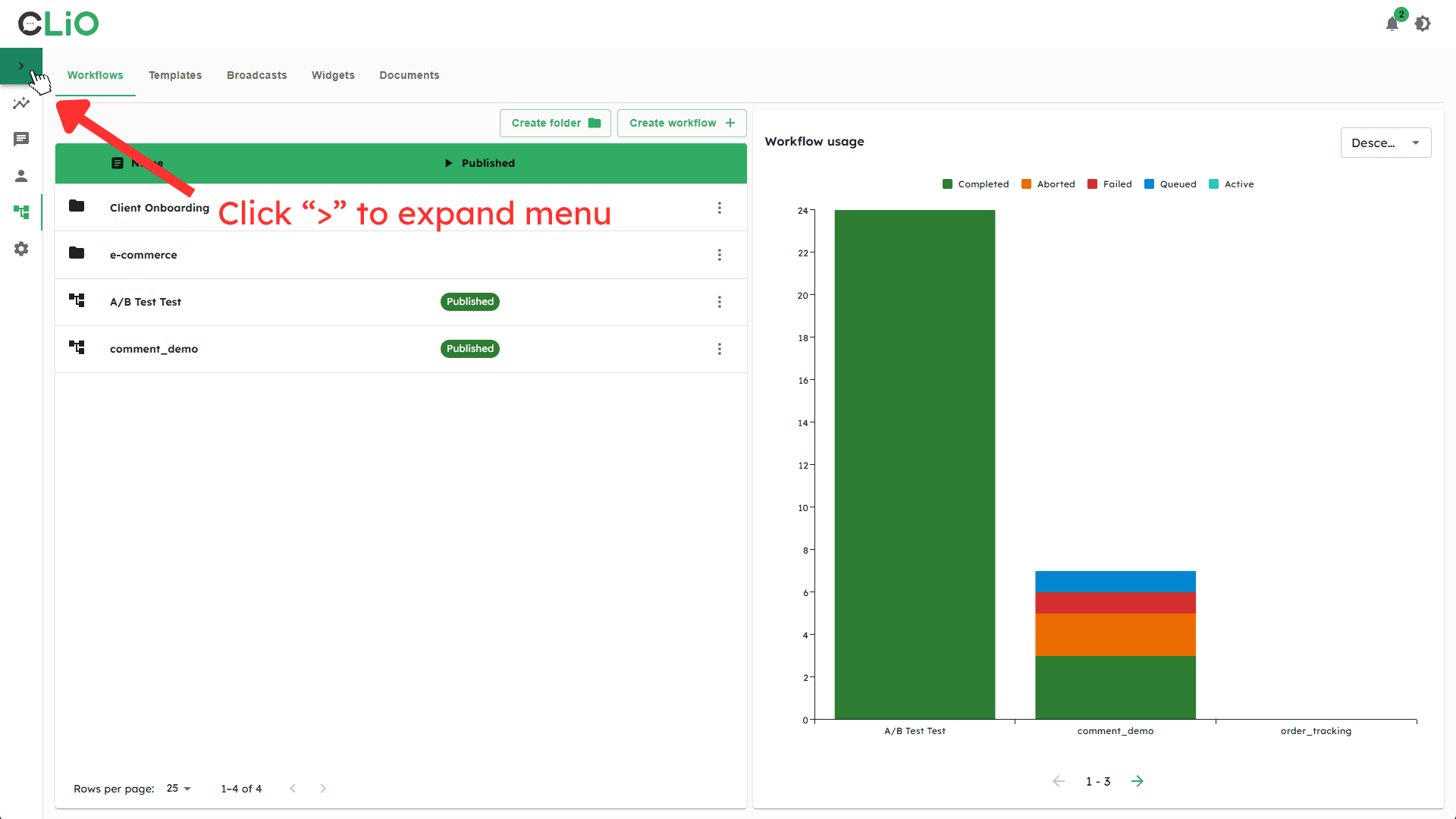
Click the small arrow ( > ) at the very top of the sidebar to open it into a labelled menu.
Collapse
Click Close Menu at the top of the expanded sidebar to return to icon-only view.
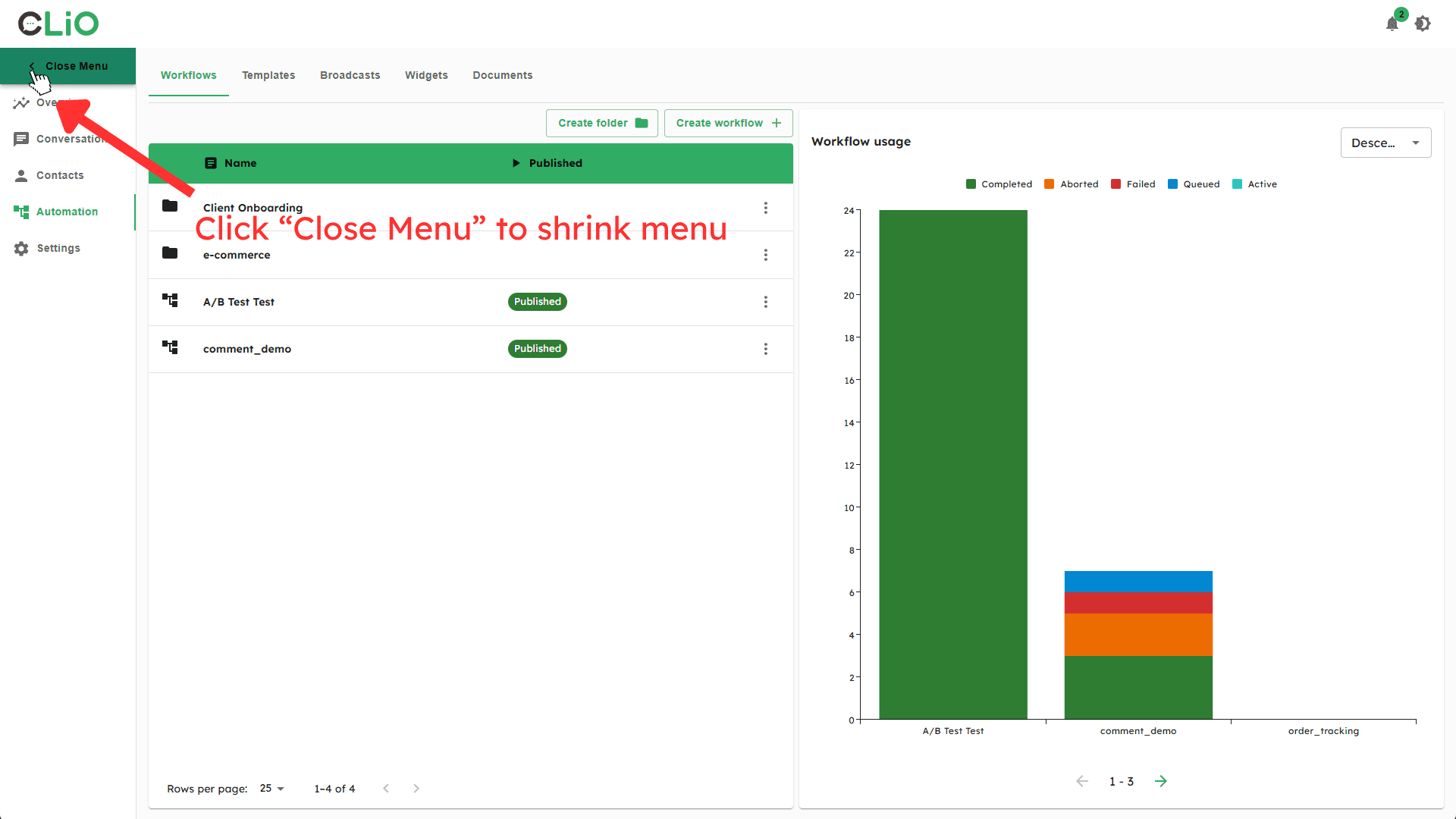
Navigating the Interface
Section | Description |
|---|---|
Overview | Dashboard with messaging analytics and KPIs |
Conversations | Multi-channel inbox for all customer messages |
Contacts | Your contact database with full profiles |
Automation | Workflows, templates, broadcasts, and widgets |
Settings | Account, users, integrations, and subscription settings |
Signing Out
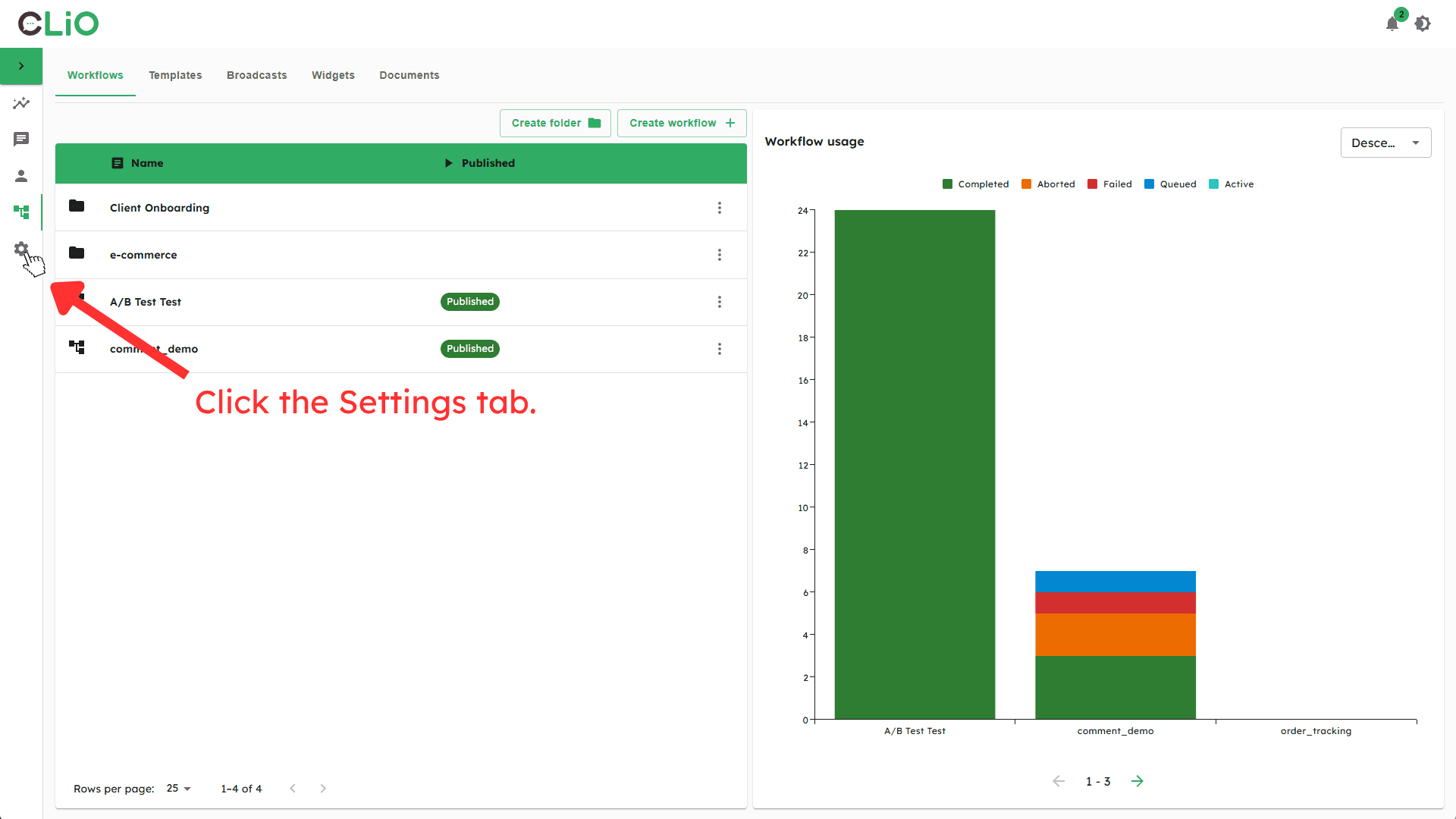
Go to Settings
Click the gear icon in the sidebar.
General tab
The General tab opens by default.
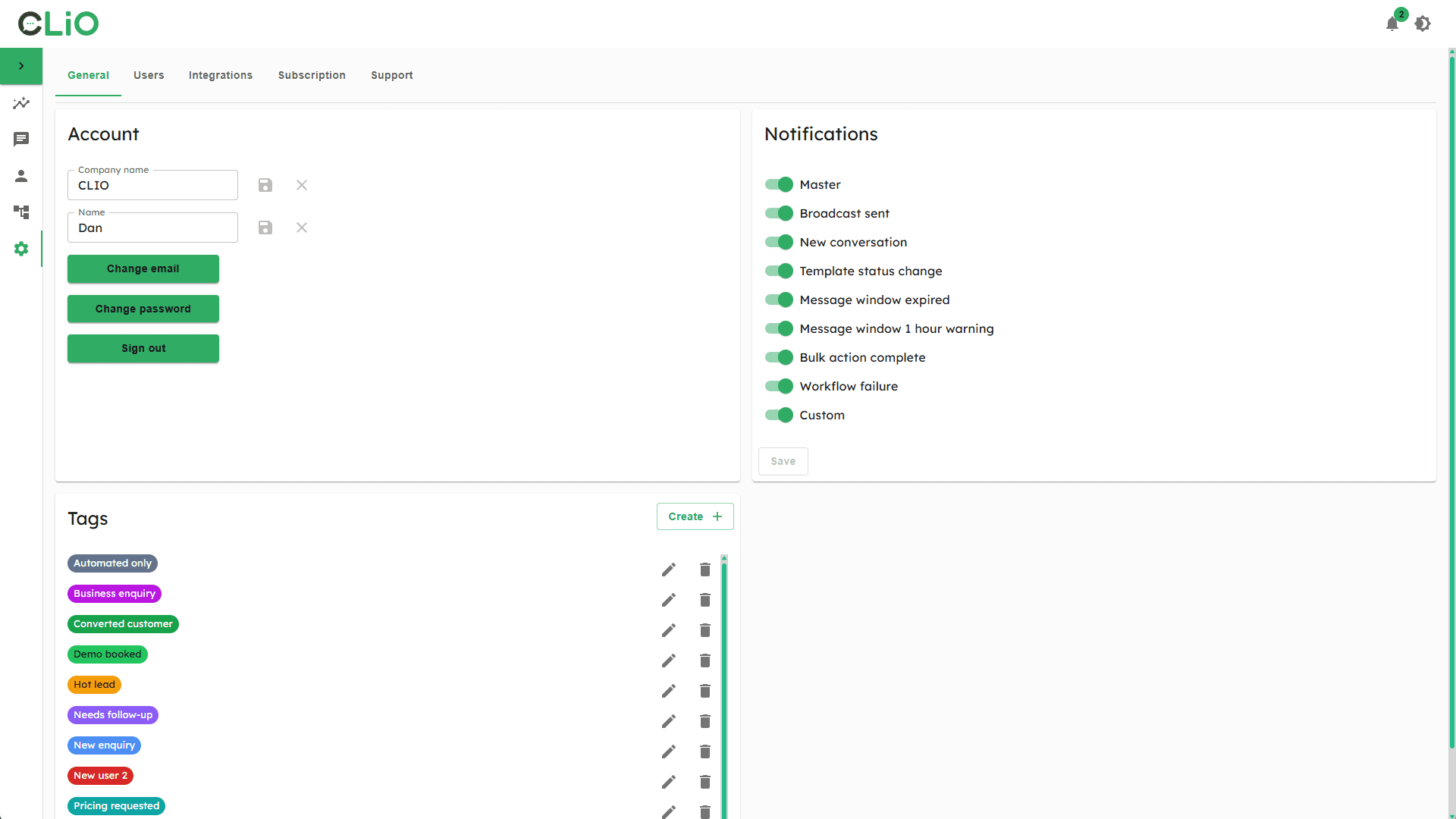
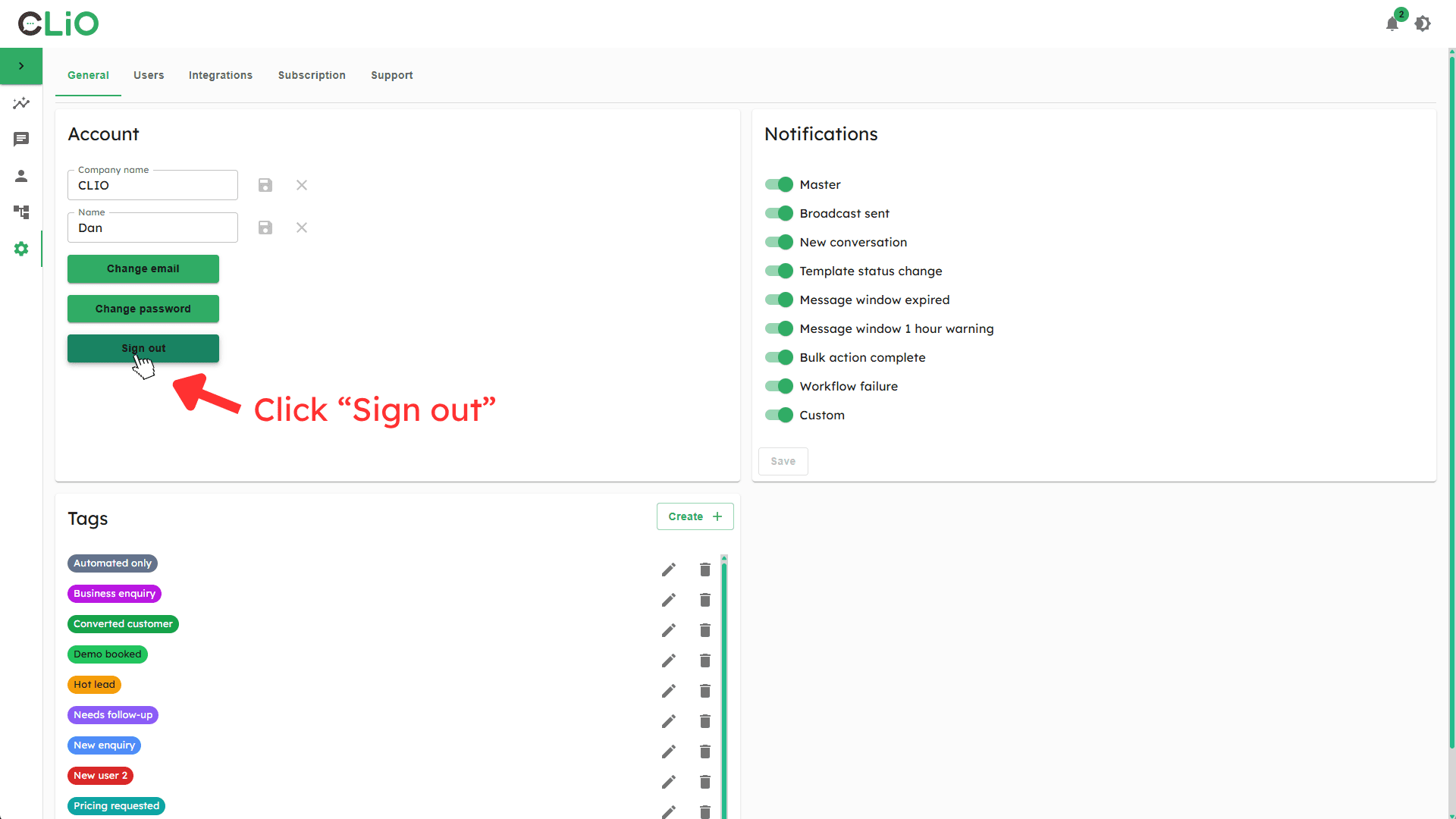
Click "Sign out"
Scroll to the Account section and click the Sign out button.